How to Choose an EHR System: A Buyer's Checklist for Clinics
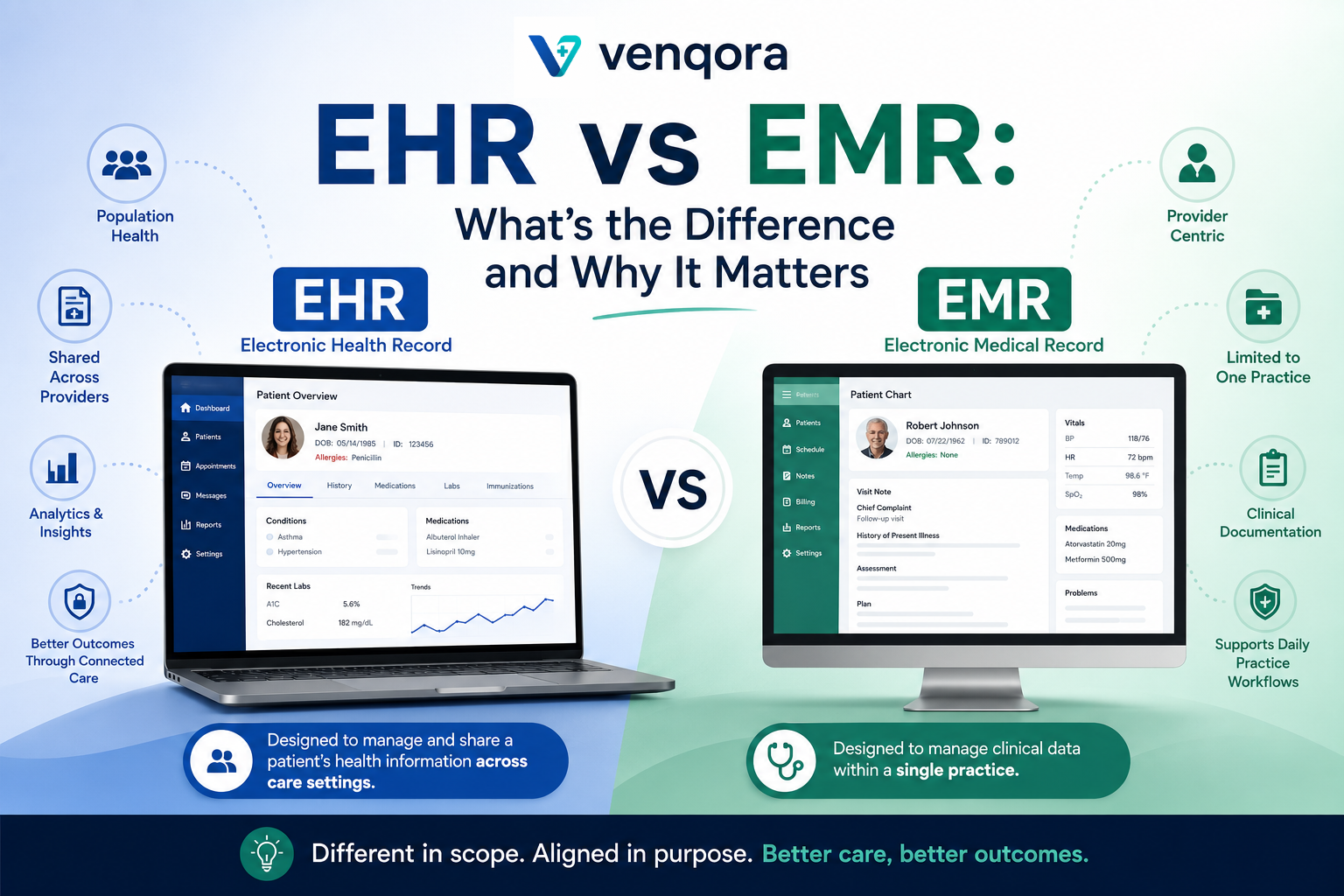
Choosing an EHR is one of the highest-impact decisions a practice makes: the system touches every patient, every employee and every dollar of revenue. This checklist distills what experienced practice administrators evaluate before signing.
## 1. Map your workflows first
List the roles in your practice — front desk, nursing, providers, billing, administration — and the daily tasks of each. The right EHR has a purpose-built workspace for every role, not a physician-only interface that everyone else tolerates.
## 2. Demand integrated billing and RCM
Revenue leaks happen in the gaps between systems. Look for eligibility verification, claim creation and submission, ERA auto-posting, denial management and patient payments inside the EHR, sharing data with the clinical record — not a separate billing product connected by exports.
## 3. Check patient engagement depth
- Online self-scheduling against real provider availability - Digital intake and insurance capture before the visit - Secure messaging patients actually use (real-time, not inbox-style) - Results, medications and refill requests in a portal - Online payments for copays and balances
## 4. Scrutinize security and compliance
Ask every vendor: Do you have role-based access control? Complete audit logs? How is emergency (break-glass) access handled and reviewed? How do you support patient data access requests and consent management? Will you sign a BAA? Vague answers here are disqualifying.
## 5. Verify interoperability
Labs (HL7 interfaces), pharmacies (Surescripts-class e-prescribing), payers (clearinghouse connectivity) and even legacy fax should be supported natively. Ask to see the integration list, not the integration roadmap.
## 6. Evaluate operational extras
Modern platforms differentiate on operations: waiting-room queue boards, real-time dashboards per role, multi-clinic administration, configurable timetables and fees. These features compound daily into real staff-hours saved.
## 7. Plan migration and training
Ask how patient demographics, appointments and historical records move from your current system, how long go-live takes, and what role-based training looks like. A good vendor has a repeatable answer with timelines.
## Red flags
- Per-feature pricing that turns the quoted price into a fraction of the real cost - Separate logins for billing, scheduling or the patient portal - No audit log or unclear answers about HIPAA safeguards - Long-term contracts before a hands-on trial or sandbox
If you are evaluating platforms, Venqora EHR covers this checklist end-to-end — request a demo and walk through your own workflows in the system before you decide.